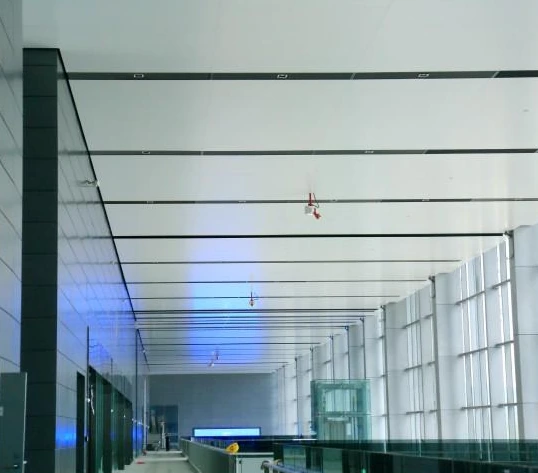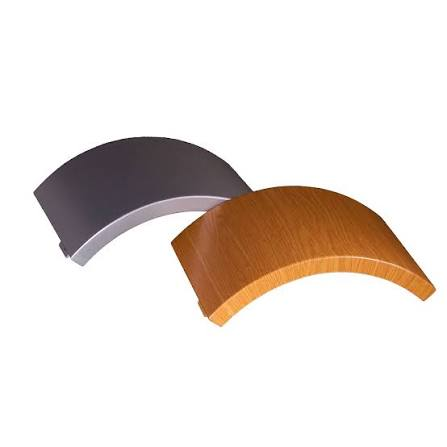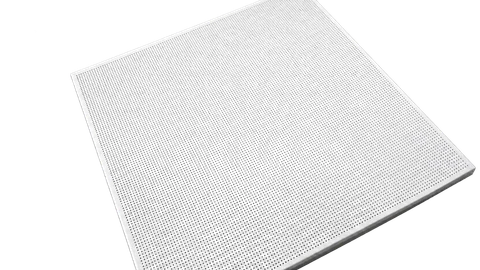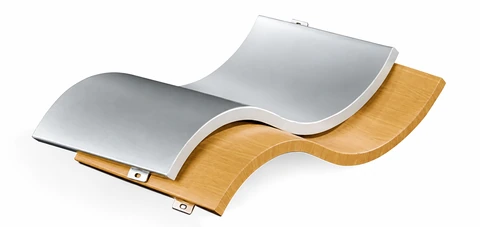
Expressed joints with aluminum joint strips

Reading the Drawing
The enlarged sections show the aluminum joint strip between neighboring panels. Panel module dimensions and the joint width must be coordinated.
Numbered Component Key
Match each number to the label below. Dimensions shown on the drawing are in millimeters unless noted.
- Panel module dimension
- Detail B
- Joint width
- Vertical framing
- Aluminum joint strip
- Horizontal framing
- Aluminum panel
- Countersunk self-tapping screw
- M5 × 40 screw
- Detail A
Installation Steps
- Set out the carrier lines and finished panel face from the design drawings.
- Choose the installation direction and install the main and secondary square-steel framing to the panel grid. Check that the supporting face is flat.
- Install the panels and fix the perimeter brackets with self-tapping screws. Insert the aluminum joint strips after fixing the panels.
- Keep hands clean during installation. Avoid sweat, oil and other contamination on the finished surface.